
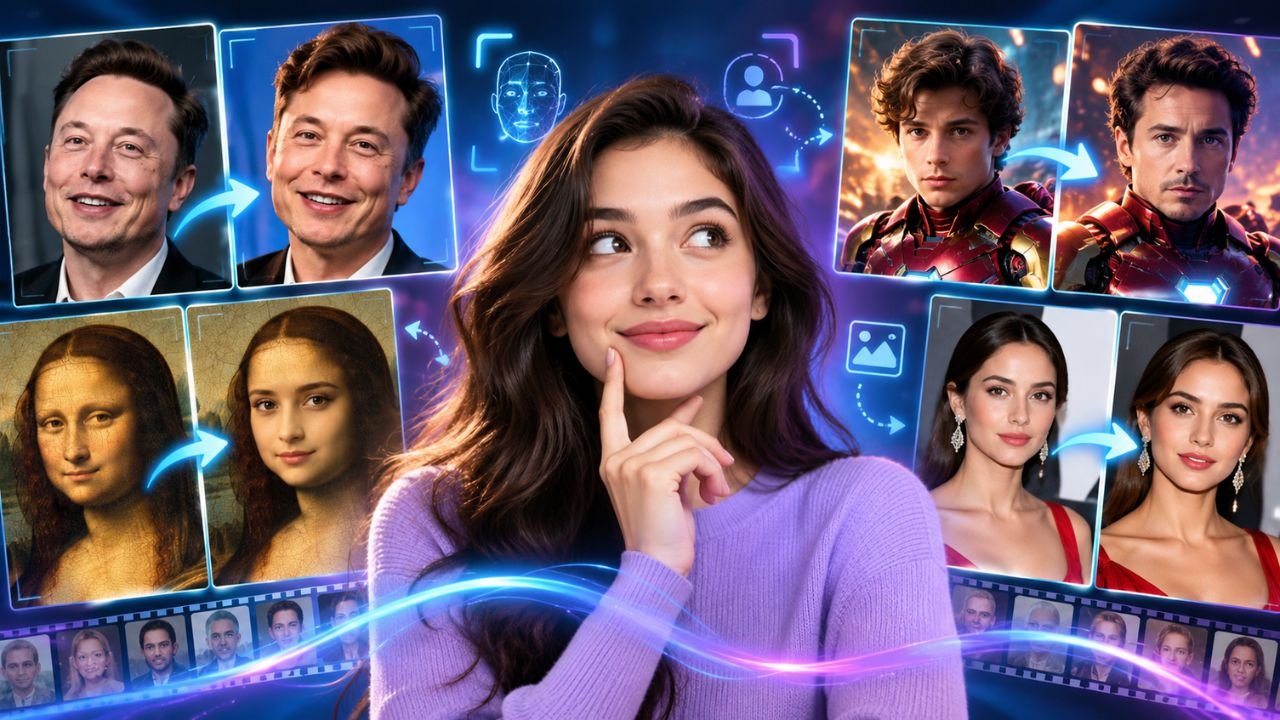
AI face swapping technologies have made it easy to swap a face in a picture or a video. You don’t need to be an advanced Photoshop or video editing professional to do it. It only takes a few clicks to select 2 images, add the face you want, and create your final results.
By 2026, face swap technologies are more than just simple images. Many of them are able to work with videos, GIFs, group photos, and several faces to export videos in better quality. Some face swap tools have also merged face swapping technology with AI avatars, AI Talking Photo tools, and other video technologies.
If you want to try out this cutting-edge technology, here are five popular face swap tools that you should try out in 2026.
1. Magic Hour
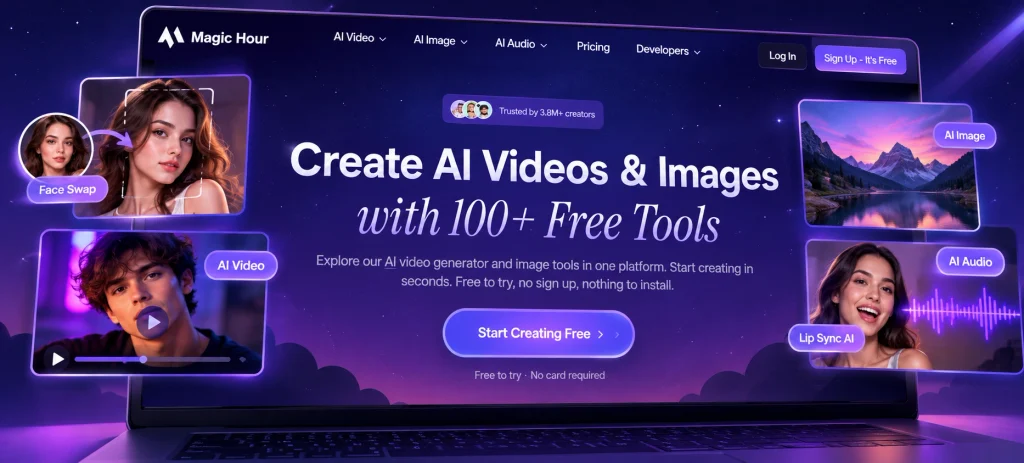
Magic Hour is a fantastic tool for those looking for a simple face swap tool to use online. This tool provides options to swap faces from photos as well as videos. In addition, there is a separate tool to provide Gifs for Twitter and other social media platforms.
One great feature of Magic Hour is that you can try face swapping with a photo without creating an account. The photo tool is currently offering five photo swaps per day and results will be available without a watermark.
The Magic Hour tool can also be useful for creators looking for the best approach to different types of AI video content. For example, if you are interested in Lip Sync AI, you can use face swapping as well as other types of AI technologies for a better result.
If you are looking for the easiest Face Swap tool to try, this can be a good choice because no account is required to test the basic photo experience.
With that said, video tools have a smaller allowance of any daily limit for free but they will still provide watermarks. Paid plans will remove the watermark and also allow for a higher rate.
Things that Magic Hour provides:
- Photo, video, and GIF face swapping
- Single-face and multi-face options
- Free daily photo swaps
- No sign-up needed for the basic photo tool
- Watermark-free photo results
- Higher resolutions on paid plans
- API access for developers
Magic Hour allows large projects as well, with the paid plans. The Creator plan costs $19 per month (billed monthly) while the yearly option costs $12 per month. The Pro plan costs $39 per month (billed monthly) and $25 per month with yearly option.
Magic Hour is appropriate for both casual users and content creators.
2. HeyGen
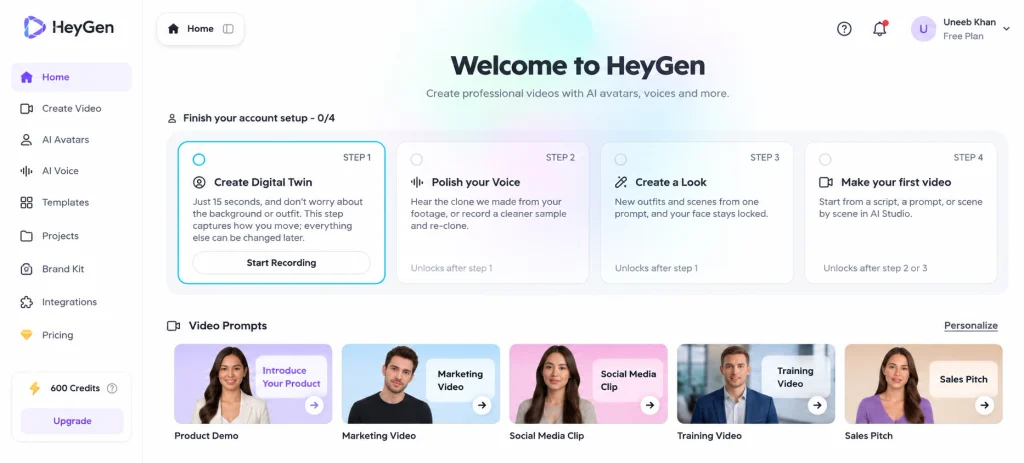
HeyGen is more popular for artificial intelligence videos and avators (digital). However, it also became very popular with the face swap tools as well. With HeyGen, you can take any video or photo and add a different face to it so that the platform will do the rest.
HeyGen provides with faces swap capabilities for photos, videos and GIFs. In addition, it is possible to swap multiple faces due to the fact that it can prove to be helpful in the case of group photos or scenes with several people.
Why use HeyGen?
- Face swapping for photos and videos
- GIF support
- Multiple-face swapping
- AI avatar integration
- Facial expression and lighting matching
- Browser-based workflow
- Useful tools for marketing videos
You can try HeyGen using the free plan, whereas paid plans would provide with many features. Currently, Creator plan is offered for $29 per month ($24 per month if talking about the yearly payment plan). Creator plan includes 600 credits, video creation time, watermark-free video and HD/4K video in accordance with your demands.
The Pro plan starts at $49 per month, while offering 1,000 credits based on your demands.
To reiterate, the services provided by HeyGen worth considering if your purpose doesn’t stop at simple face swap.
3. Vidnoz Face Swap
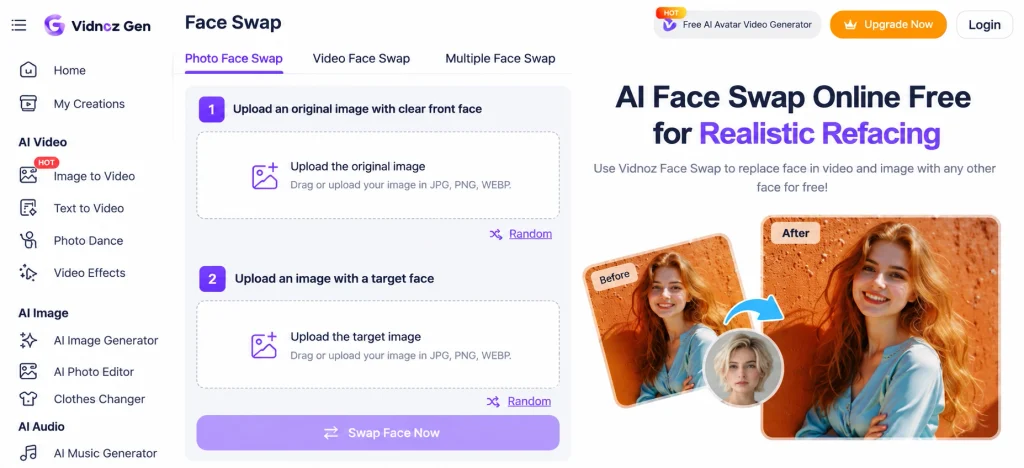
Vidnoz is considered to be another easy-swap option if you want to swap faces in photos and videos through a face swap tool that supports multiple faces.
You are allowed to upload your photos or videos and add the face you wish to use before you can start the process of face swapping. For photos, you can upload them in JPG, PNG, or WEBP formats, whereas you can upload videos in formats that include MP4, MOV, M4V, WEBM, or GIF.
Other features of Vidnoz:
- Photos face swap
- Video face swap
- Multiple faces swap
- HD output option
- Common formats for images and videos
- Browser editing at no cost of installation
Vidnoz can still provide other applications to create content in addition to face swapping, virtual avatars creation, videos creation, and several other applications of AI.
The company has generated a credit-based plan for its AI applications. Its application called Vidnoz Gen has also been incorporated into its application as well, including photo and video face swap service, from free until the paid application based on the nature and frequency of servicing your needs.
Make sure to check what is currently required in credits in your account before you get started on any larger project. It is to note that our current credit requirements can change in accordance with your demands.
4. Remaker AI
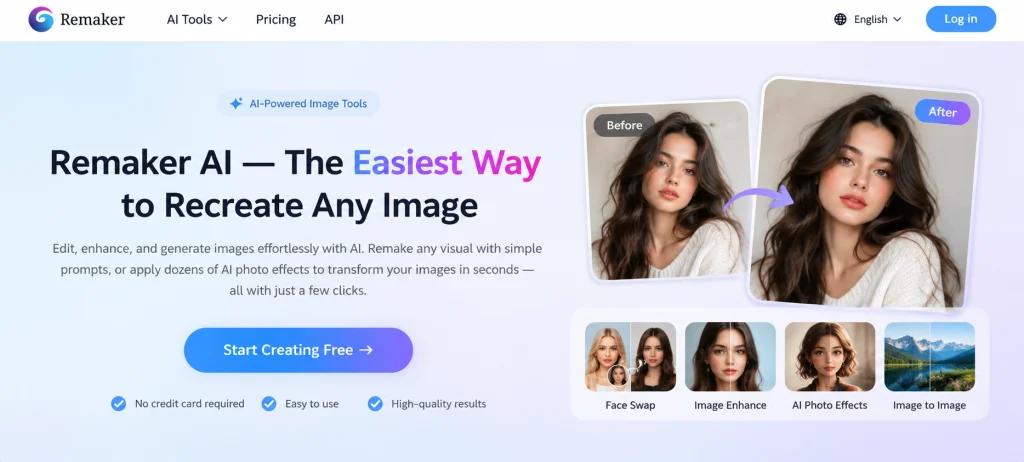
When it comes to creating face-swapped pictures, Remaker AI is an easy option for those who prefer the simplest way to do it. Their online face swap platform doesn’t require a lot of complicated processes.
First, you need to upload the first image, and second, upload the second image from which you want to borrow the face. After that, click on the swap button and wait for the result.
Remaker has the option of multiple faces and batch face swaps. The batch processing option would come especially in handy if you have more than one image that you need working on instead of waiting for each one to be processed individually.
What you can benefit from Remaker
- Photo face swaps
- Editing photo with group photos
- Multiple face swaps
- Batch image processing
- Making creative images for social media platforms.
- Simple, quick online edit.
The current free page provides all kinds of photo face swaps without requiring any sign-ups. The regular image tool can only be used for basic photo projects.
For video purposes, Remaker has a specific tool for video face swaps as well. This video tool can accept files of up to 500 MB and videos that are less than 30 minutes long, but the actual cost is relative to your project.
Thus, if you’re specifically looking for images and prefer the easiest process, then you can definitely consider Remaker AI as a viable service.
5. AKOOL
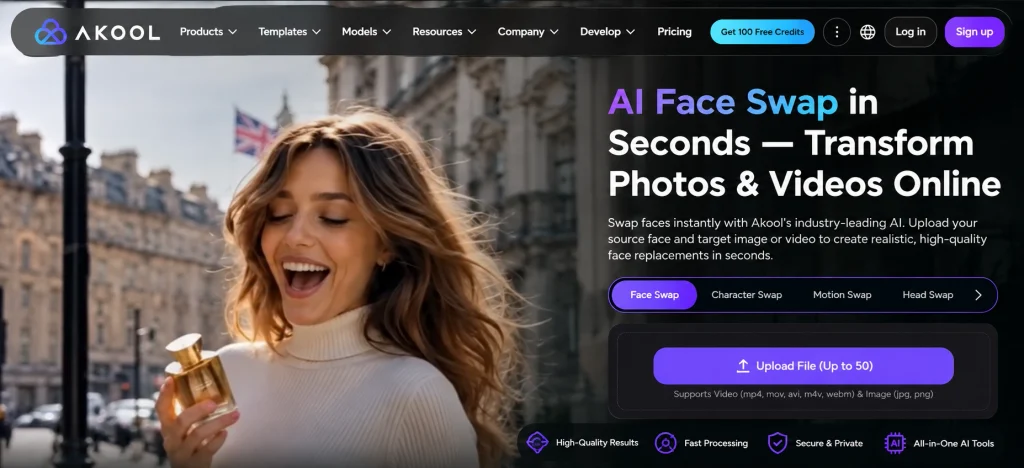
AKOOL is a platform focused on offering solutions to creators, marketers, and businesses. Its face-swapping capabilities apply to both images and videos, along with avatars, video generation, translations, and many other amazing AI capabilities.
One of the cool features of AKOOL is the multi-face detection feature, which is ideal for projects with multiple people in the source content.
Points to note about the features of AKOOL
- Face swap for images
- Face swap for videos
- Multi-face detection
- Live face swap
- High-resolution uploads in higher plans
- AI avatars
- More tools for video generation
AKOOL offers a Basic free plan. The other paid plans boast more costs as you can purchase according to your needs, with the Pro plan being $30 per month on the pricing page, while you can enjoy discounted pricing when paid annually.
In addition to the above, the higher plans come with increased upload size and resolution limit. For instance, there are higher plans that support 8K uploads, depending on the tools you choose.
AKOOL offers many more AI capabilities apart from face swapping, hence it is a platform of choice for those who wish to have all the tools in one platform.
How to Choose the Right Face Swap Tool
Choosing a tool for swapping faces will be much easier and quicker if you know exactly what you are looking for. Do not necessarily choose the highest-priced option.
Firstly, determine whether you want to face swap in an image or a video. If you will only be doing face swaps on still images, then a very basic tool may be fine. Whereas, if your project is in video format, you will want to ensure that the tool has the capability to process video and that it has strong tracking.
Then, determine if you need to be able to swap multiple faces. If you are working with photos that contain multiple people, and the face swap tool you are using can only handle one face, then you will need to find another tool that does allow for multi-user face swapping.
Check the following items in addition to the above ones:
- Limit on daily power of free version
- Watermarking
- Resolution of exported photos
- File formats
- Length of video being processed
- Allowed membership levels
- Ability to do multiple faces
Cost is another point to consider. There may be a tool that appears to be less expensive, but the price for credits may be high as you will have to use a lot more credits to complete your video project. Make sure to check for the true cost of credits before undertaking a large-scale video edit.
How to Get Better Face Swap Results
The quality of the images being used is very important. A clear picture of a face will produce a better outcome than a blurry photograph.
For the best results, try to use a clear photo of a person’s face with good lighting. A frontal image is often easiest for A.I. to interpret.
Do not use images that are obscured by sunglasses, masks, of hair, or shadows. The angle of the original photo should also match the angle of the photo to which you are swapping the face.
For video footage, try to use a video that has consistent lighting. Fast and abrupt motions, heavy blurring, and leaving the frame will create variable results.
Most importantly, use images that are of significantly high quality. A low-res image cannot be made to look good by simply using a higher-quality A.I. software program.
Is AI Face Swapping Safe to Use?
There is a great deal of potential in the use of face swapping in entertainment, advertising, design, and creative purposes. However, face swapping should be done responsibly.
Be sure to get permission to use someone’s face when needed. Make sure you are also able to use the original photo, video or other material.
Do not use the face swap feature to deceive people, impersonate someone, or create harmful images. If you are using an app for business purposes, be sure to read the commercial-use policy before publishing the final project.
If you will be uploading personal photos, it is wise to take a look at the privacy policy first.
Final Thoughts
There are many different face swap tools available today so the best one depends on what you want to do. If you want to use a face swap tool to create photos, videos or gifs and want to do the same thing for free on a daily basis, Magic Hour is a good place to go. On the other hand, if you want to incorporate face swap technology into a bigger AI video project, and still do not want to pay a lot, consider working with HeyGen.
Vidnoz is another face swap tool that can provide you with photos, videos and multiple face options while Remaker AI works well for those looking to do quick photo swaps and batch processing. AKOOL is more focused on creators and businesses who want the ability to use face swaps as one part of their overall AI production process.
Before making a decision on which face swapping tool to use, do a small test job using the tool you want to use, i.e. check the quality of the output, limits on free use, background watermarking and the cost to obtain credits. You want to be able to make a decision on which tool is best for you based on your test of the tool and not have to pay for a tool that you may ultimately find that you do not want to use.Lip Sync AI